 Concept Space
A notes app with databases
Concept Space is a notes app.
Notes are written in Markdown and kept in folders. They are online, and every device you sign in on also keeps a full copy, so reading and writing work without a connection. Changes sync when you are back online.
Notes
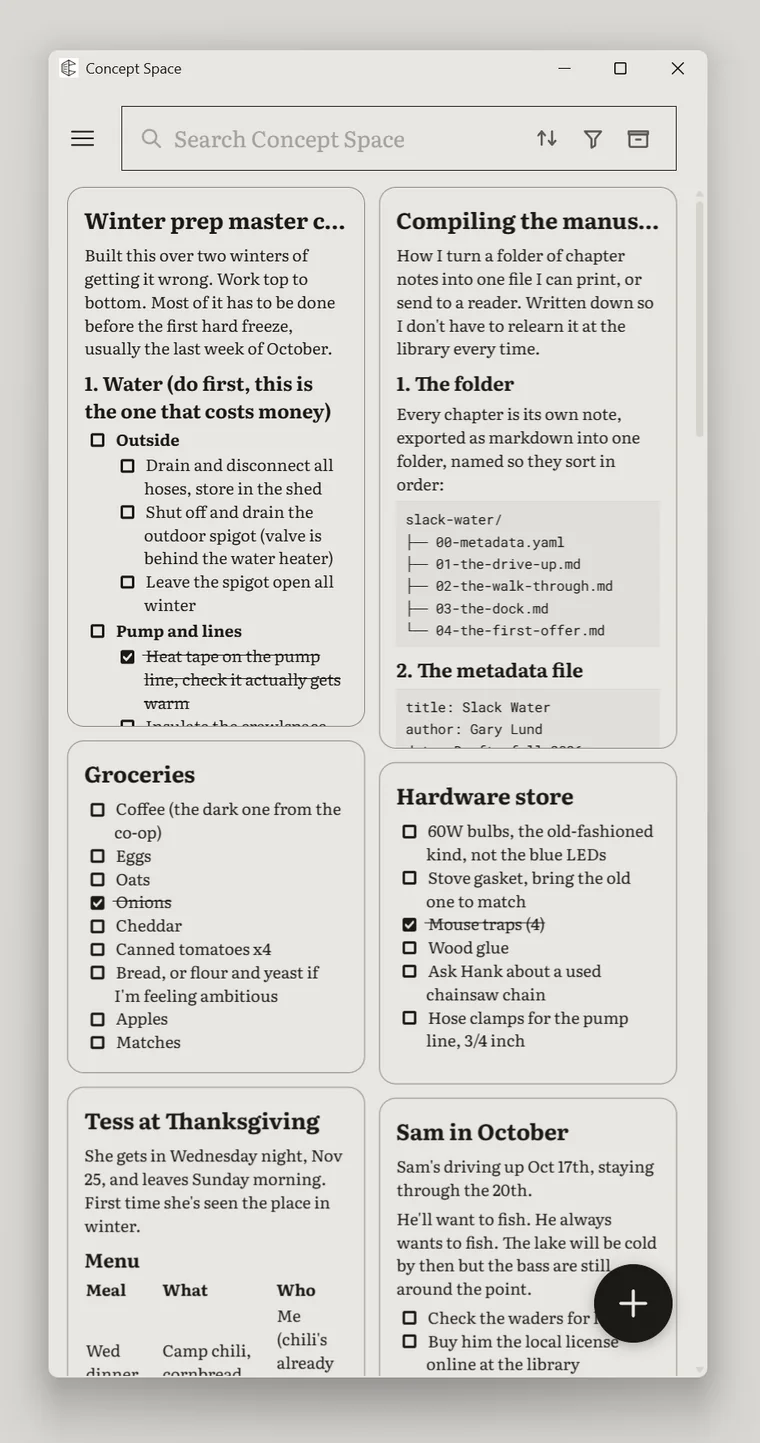
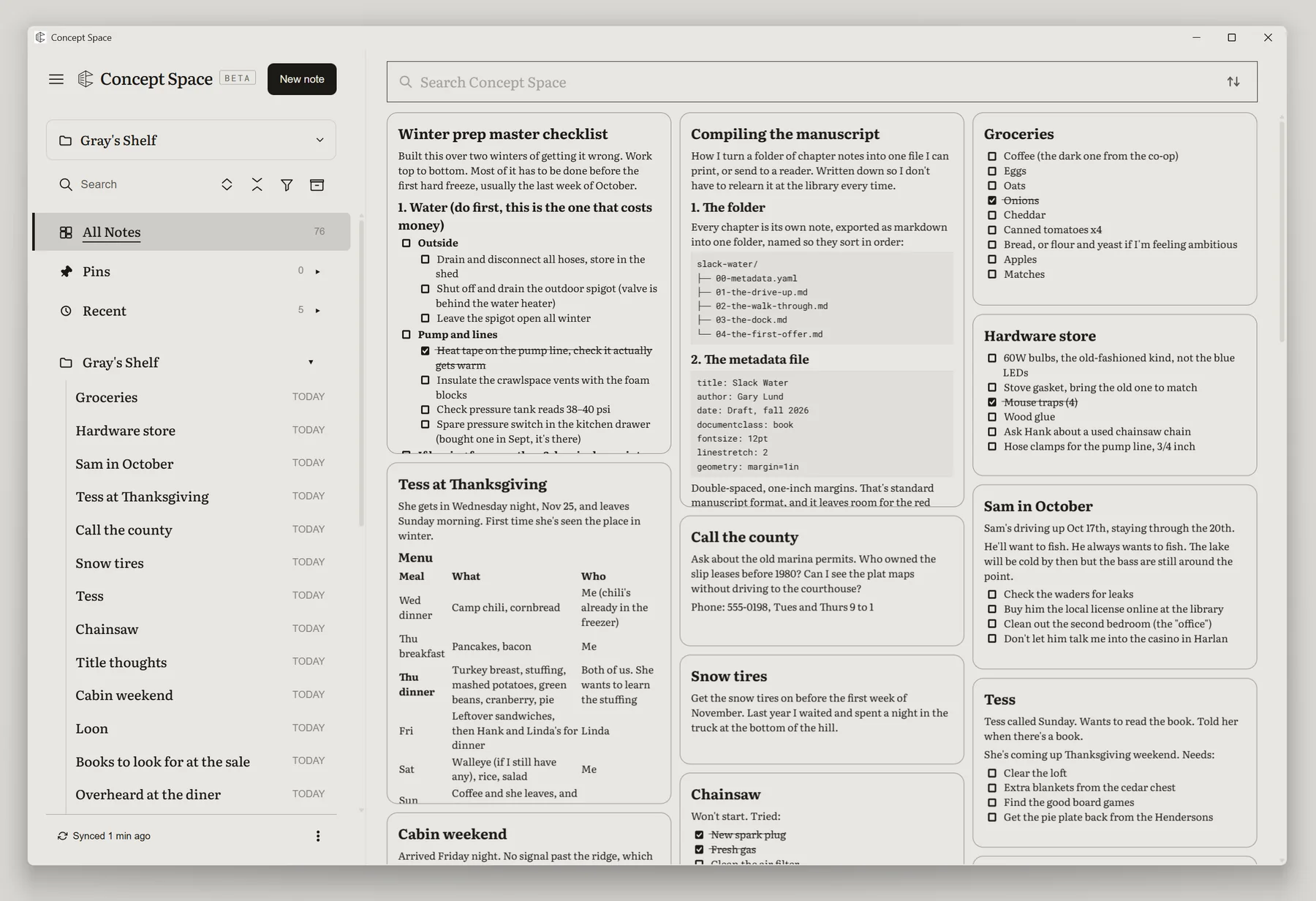
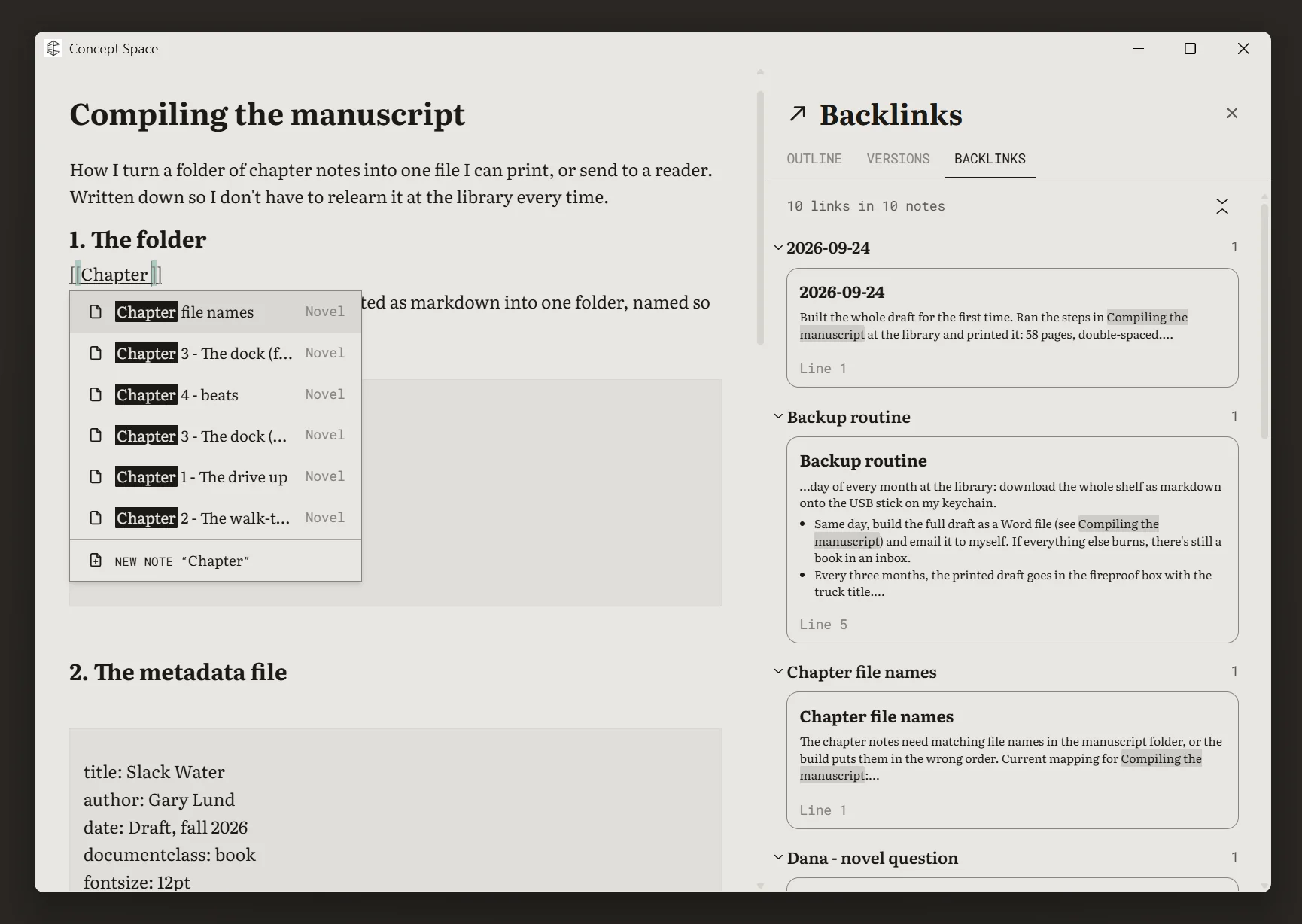
Markdown with headings, lists, checkboxes, code and links to other notes. Each note lists the notes that link to it. Rename a note and every link to it still works.
Offline
Without a connection you can still open, write and organize everything. Changes wait on the device and sync when it reconnects. Signing in for the first time needs a connection.
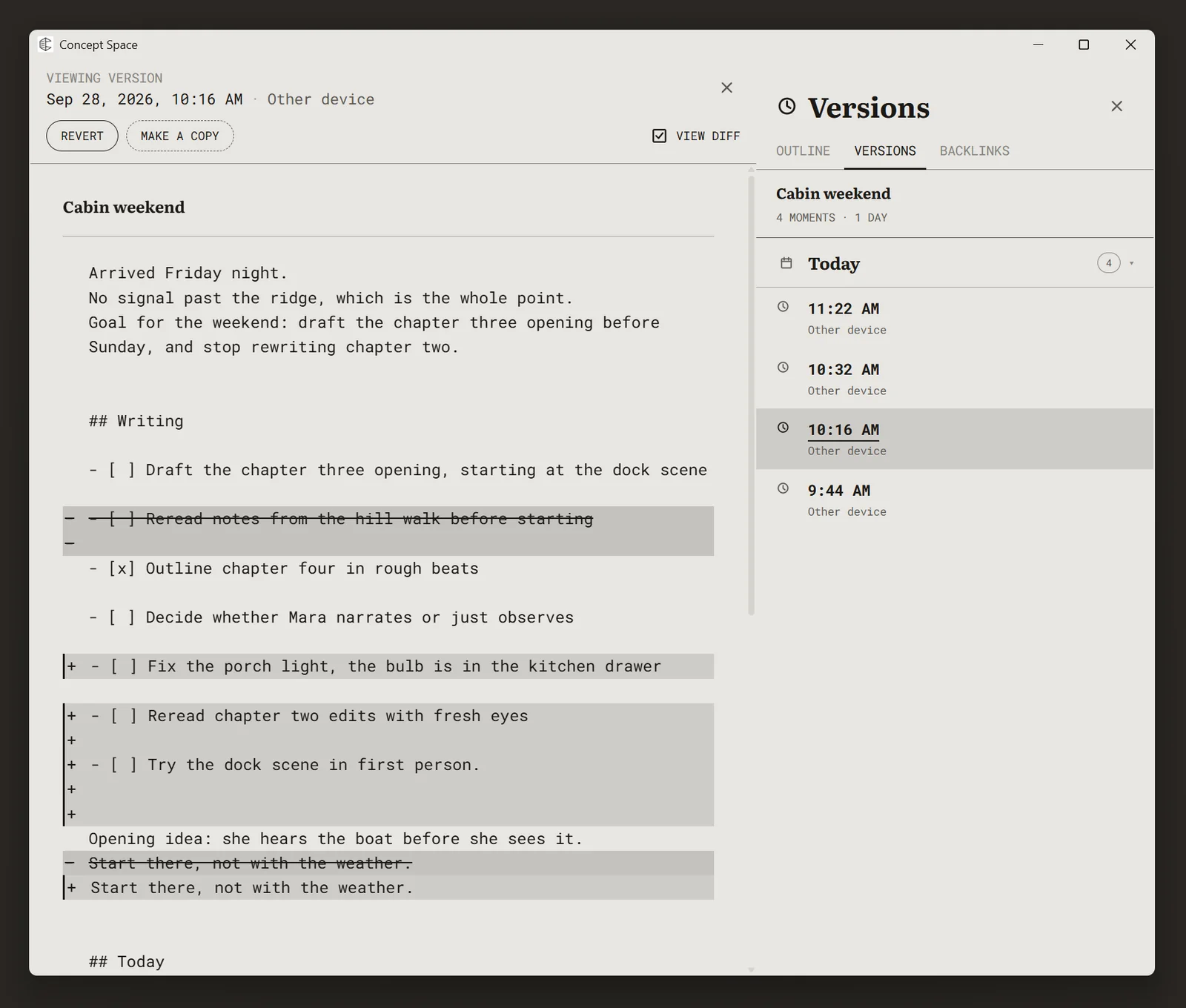
History
Each note keeps its recent versions. Open a note's history to compare an earlier version with the current one, restore it, or make a copy.
Folders and files
Folders nest inside folders. Images, PDFs and other files sit beside your notes. Anything can be moved, pinned, archived or put in the trash, and anything in the trash can be restored.
Libraries
A library is a database made of notes.
Make a folder into a library and give it properties. Each note in the library is a row, and its properties are the columns. The notes stay ordinary notes.
Views
Show a library as a table, cards, board, timeline, calendar or chart. Each view keeps its own filters, sorting and grouping.
Arrangements
Lay out views, notes and files as tiles on a folder's page. Choose one row, such as a project, and the views on the page narrow to it.
Properties
Text, numbers, dates, checkboxes, select options, people, web links, files, and IDs that number rows for you. Formulas work out a value from the others.
Relations and rollups
Link rows in one library to rows in another. A rollup counts, sums or lists values across those links.
Shelves
Your notes are on a shelf.
A shelf is one complete collection of folders, notes, files and libraries. You can have more than one.
Sharing
Add people to a shelf by their account email. They can read all of it, and you choose which folders they can edit.
Download and upload
Download any folder, or a whole shelf, as a zip of Markdown files and the files beside them. Upload a zip to bring them back in.
Questions
Before you start.
- Do I need libraries?
- No. Notes in folders work on their own. Libraries are there if you want them.
- What needs a connection?
- Signing in for the first time, and syncing. Everything else works offline.
- Why does it look like paper?
- It was designed on e-ink screens. The same colours and type are used on every screen.
- Can I reuse a note's layout?
- Yes. Save a note as a template and start new notes from it.
- How do I join?
- Concept Space is in early beta. Joining takes a referral code. Request beta access.